
Your IPTV, made for the TV.
ZTV plays your own IPTV source — an Xtream server or an M3U playlist — on Samsung and LG smart TVs, with a programme guide, films and series, made for the remote.
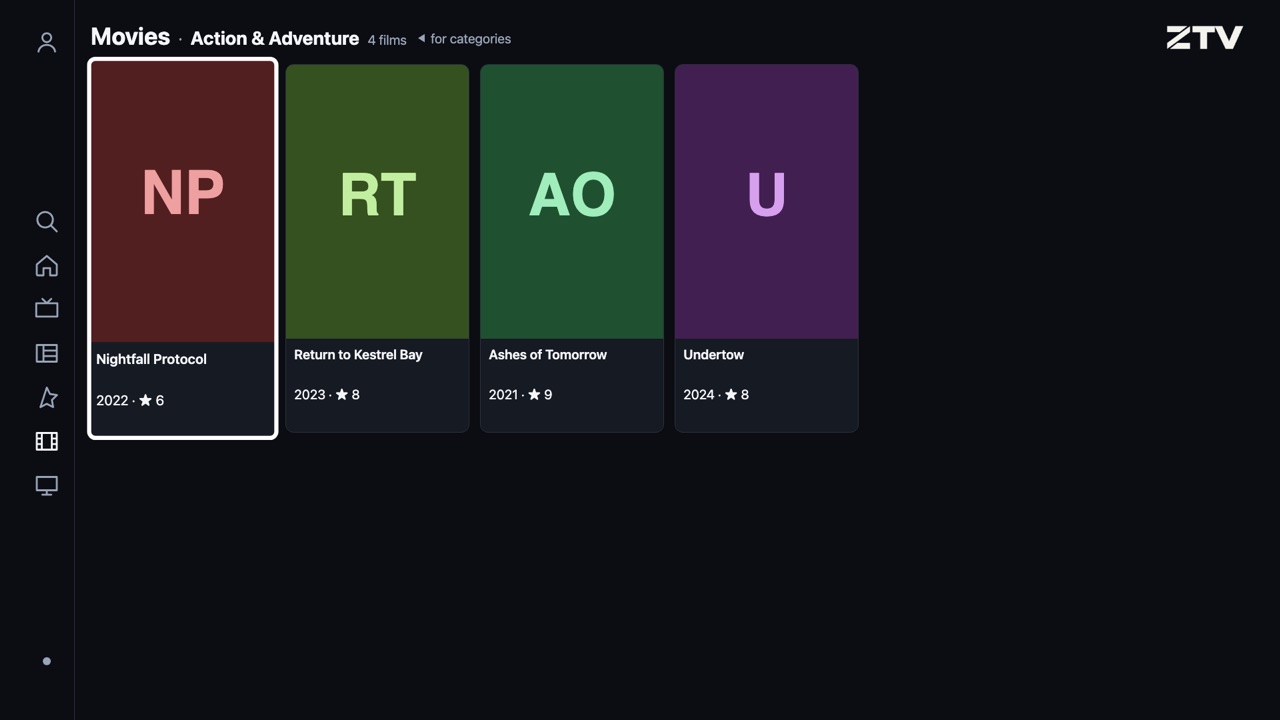
The demo plays free channels, so there is something to try. Use the arrow keys, Enter and Escape as the remote, or the mouse. Open it in a window of its own.
At a glance
- TVs
- Samsung from 2018 (Tizen 4.0 or later), LG from 2018 (webOS 4 or later)
- Sources
- Xtream servers and M3U playlists, as many as you like
- Guide
- Your source's own, plus national guides added for your channels' countries
- Price
- A free week, then an hour a day free; unlock a TV once, or ZTV Unlimited
- Account
- None needed; signing in with Google is optional
- Channels
- None included: ZTV plays the source you bring
How that compares with other players: ZTV and other IPTV players.
What ZTV does
Live TV that keeps up
Browse a channel list and the picture follows: the channel you rest on starts playing beside the list. Up and down change channel full screen.
A programme guide
What is on now and next, four hours at a glance. ZTV reads your source's guide, and adds national guides for the countries your channels cover.
Films and series
Your source's catalogue, by category, with posters, seasons and episodes — and Continue watching, which picks a film up where you left it.
Favorites and search
Star the channels you watch, put them in your order, and find any channel, programme, film or series from one search.
Made for the remote
Large, clear text for the sofa, one focus you can always see, and Back that always takes you one step back. No mouse needed.
Private by design
Your sources, logins, favourites and history stay on the TV. ZTV never collects what you watch, unless you send it a test or a report.
A week free, then an hour every day
Every TV gets its first week free, then an hour of free viewing a day. To watch without limits, unlock the TV once — a single purchase, not a subscription, made on your phone by scanning a code on the screen. An unlock can be restored after a reset.
Signing in with Google is optional
ZTV works without an account. If you sign in with Google, ZTV asks Google for your name, email address and picture, to show who is signed in and to recognise you on your other TVs. It also asks for its own hidden folder in your Google Drive, where it keeps your settings, sources and favourites so they follow you to your other TVs: only ZTV can see that folder, it cannot see your other files, and our servers never store its contents. Signing in on your phone at ztv.to/my asks only who you are; changing your TVs' settings there asks for the same folder, which your phone then reads and writes directly with Google. The privacy policy has the details.
Get started
-
Install ZTV
On your Samsung or LG smart TV.
-
Add your source
In Account → Sources: an Xtream server's address, username and password, or an M3U playlist's address.
-
Watch
Live TV, the guide, films and series appear as soon as your source answers.
ZTV is a player. It does not sell, include or recommend TV channels; you bring your own source, from a provider you have the right to watch.